Charting for traders who review
ZChart.
Your favourite.
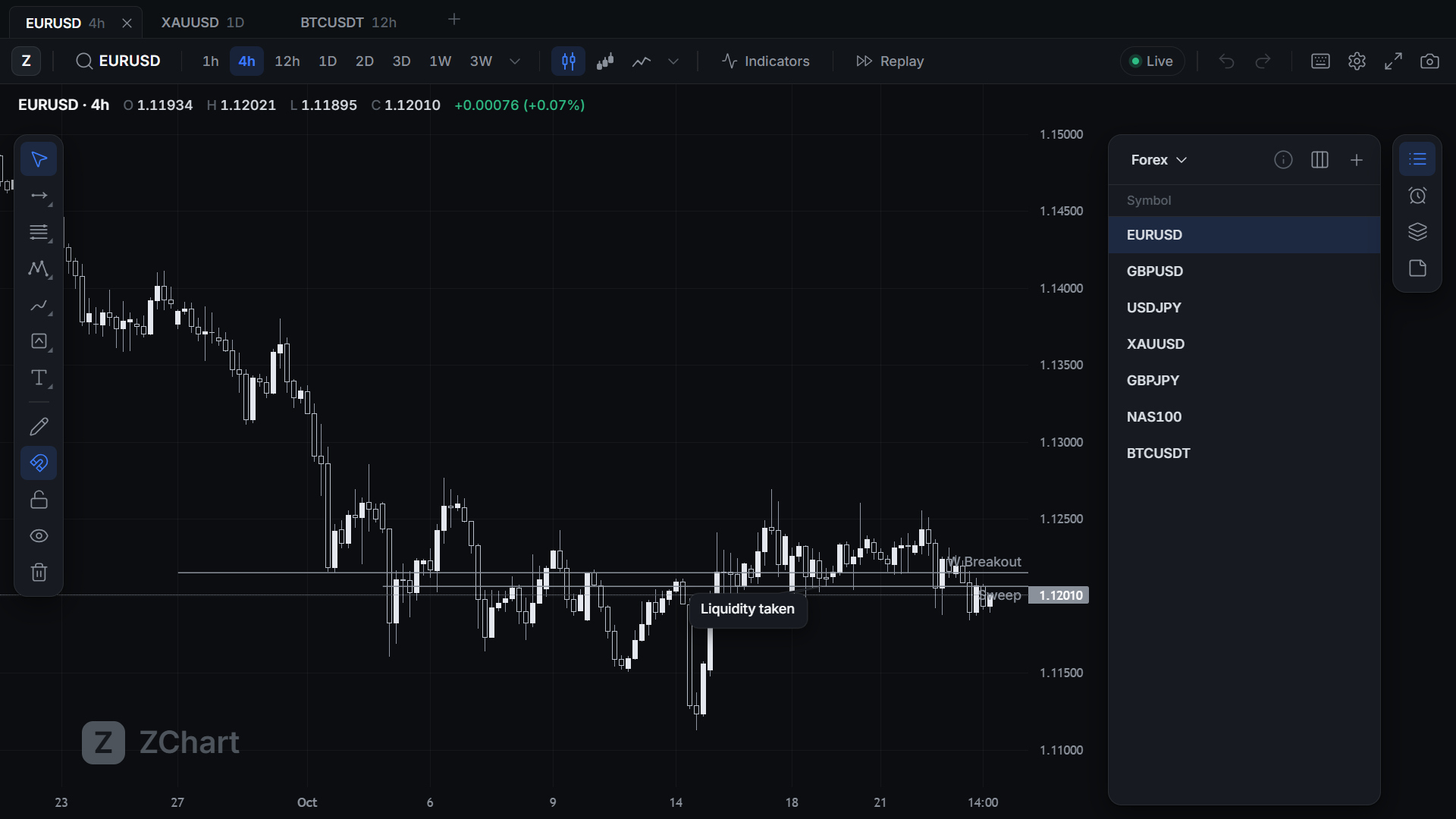
Open any timeframe, replay any day, and set alerts on every pair you watch.
Why ZChart
The two things you need most sit behind a subscription.
Most charting platforms keep custom timeframes and bar replay for paying tiers. You need them most when you study a market properly and when you look back at a trade you took. ZChart gives you both on every plan.
01 Timeframes
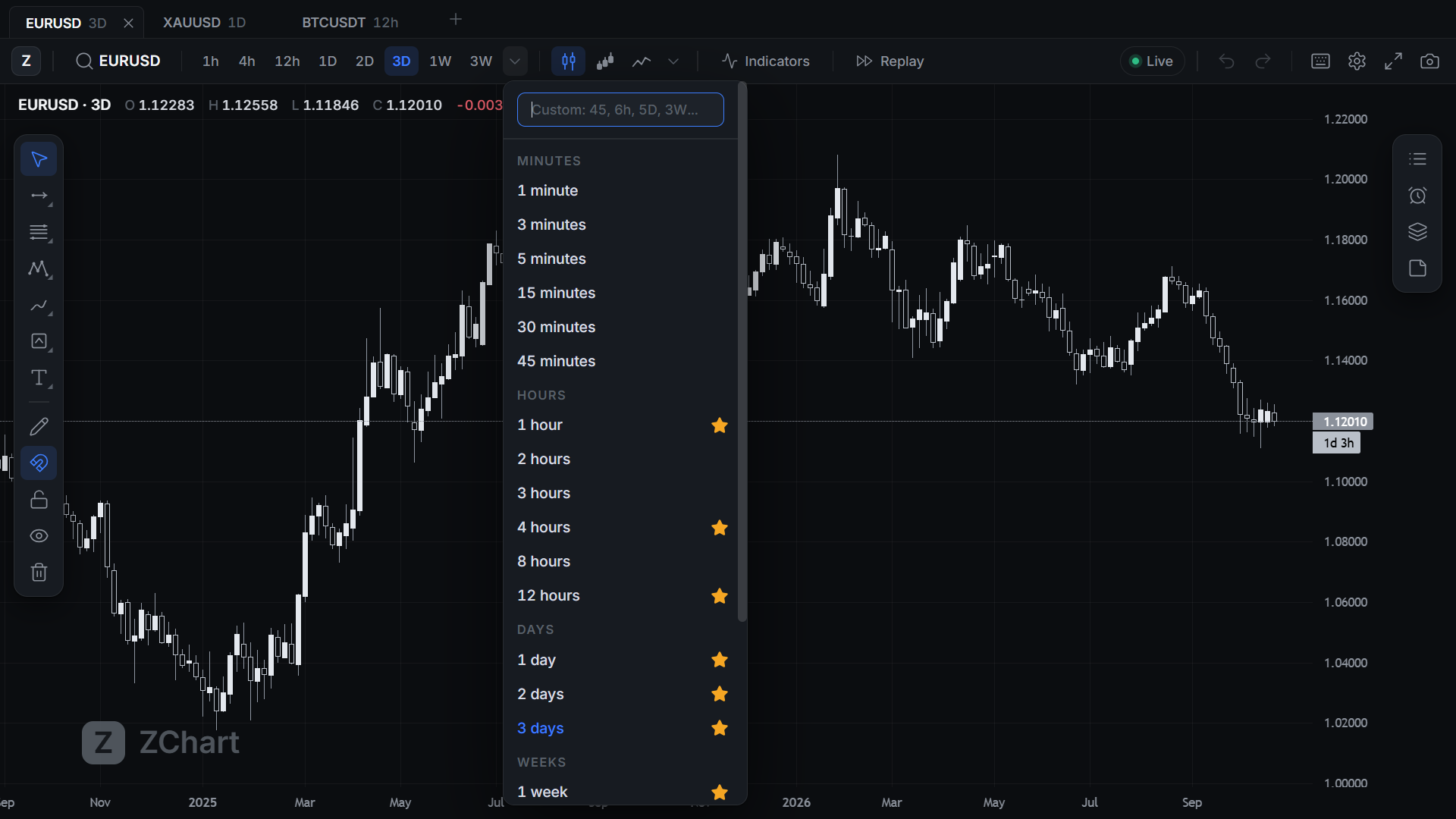
12 hours. 2 days. 3 weeks. Whatever your strategy runs on.
Type any timeframe and it opens, from one minute to months. Candles start and end on the same boundaries as the platform you came from, so your levels sit where you expect them.
- 45m
- 3h
- 12h
- 2D
- 3D
- 2W
- 3W
- 3M
02 Replay
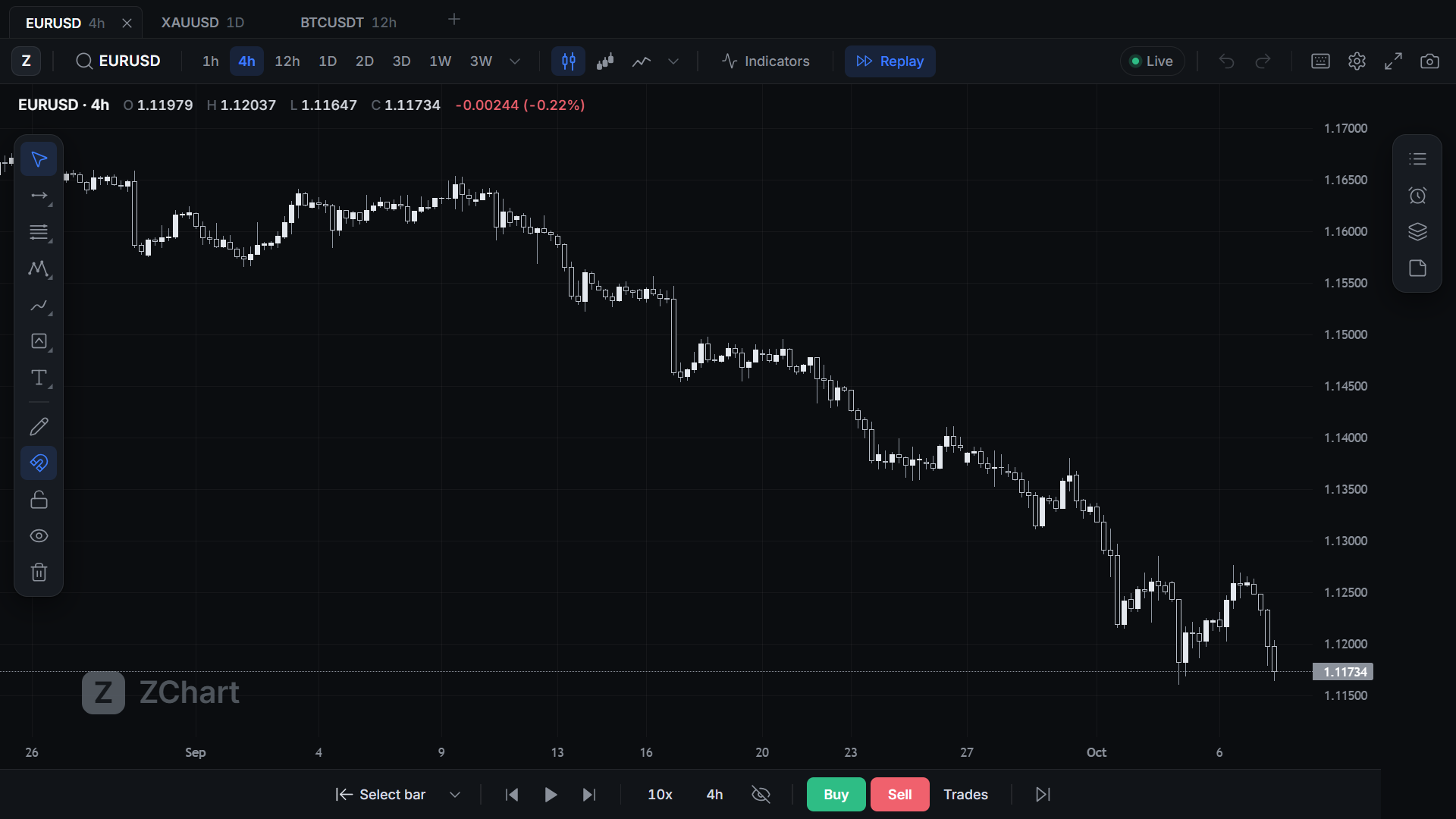
Go back to the moment before you entered.
Pick a candle, hide the future, and step forward one bar at a time. Mark the structure you saw and what convinced you, and build a playbook from trades you already took. Practise entries with replay trading and see each result in R.
03 Alerts
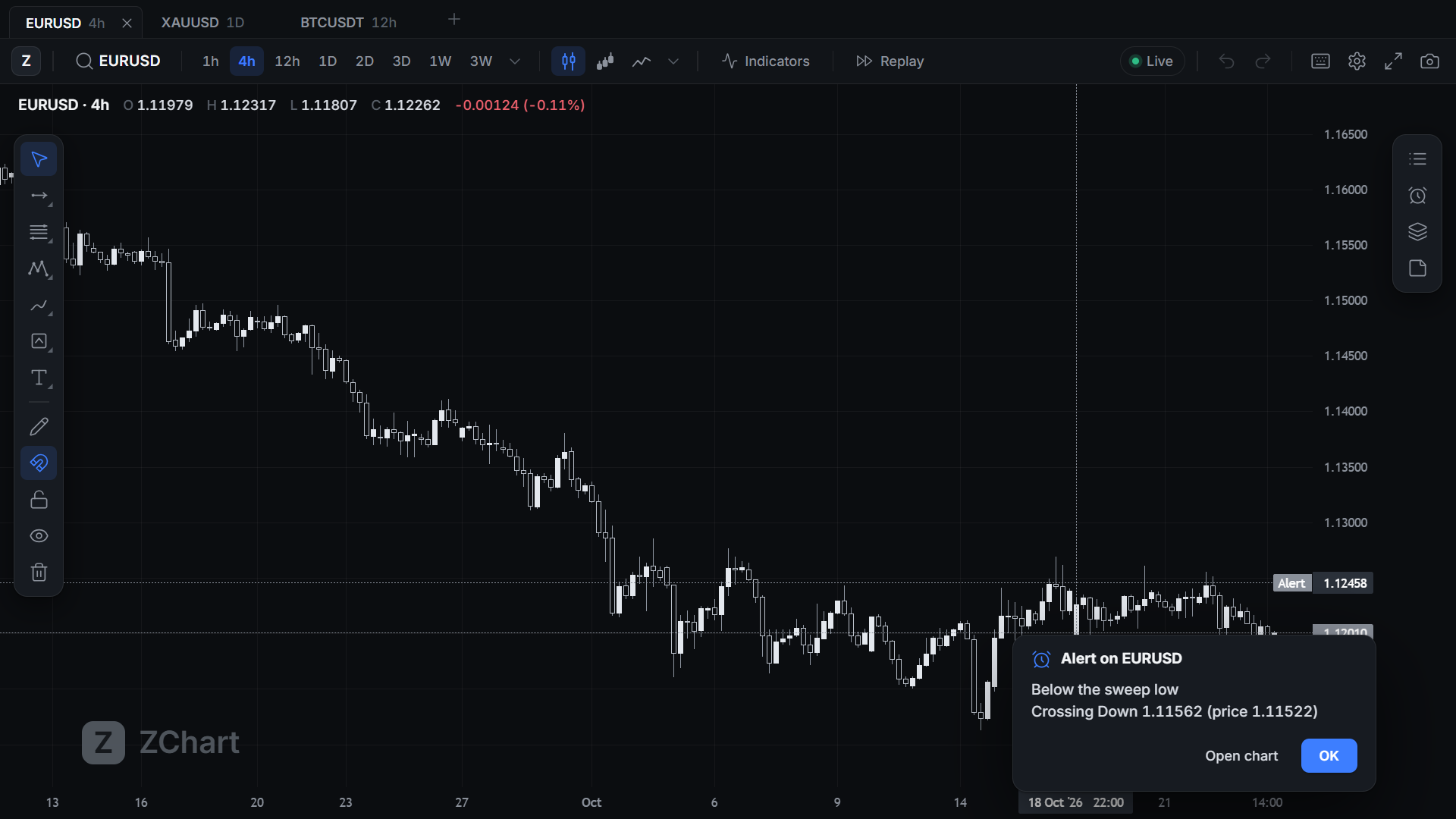
As many alerts as your trading needs.
Every alert watches live prices, whether its chart is open or not. When price crosses a level, you get a sound, a popup and a Windows notification. On the chart, each alert is a small bell at the right edge, and its line appears only when your mouse comes near.
04 Drawing
Draw the way you already draw.
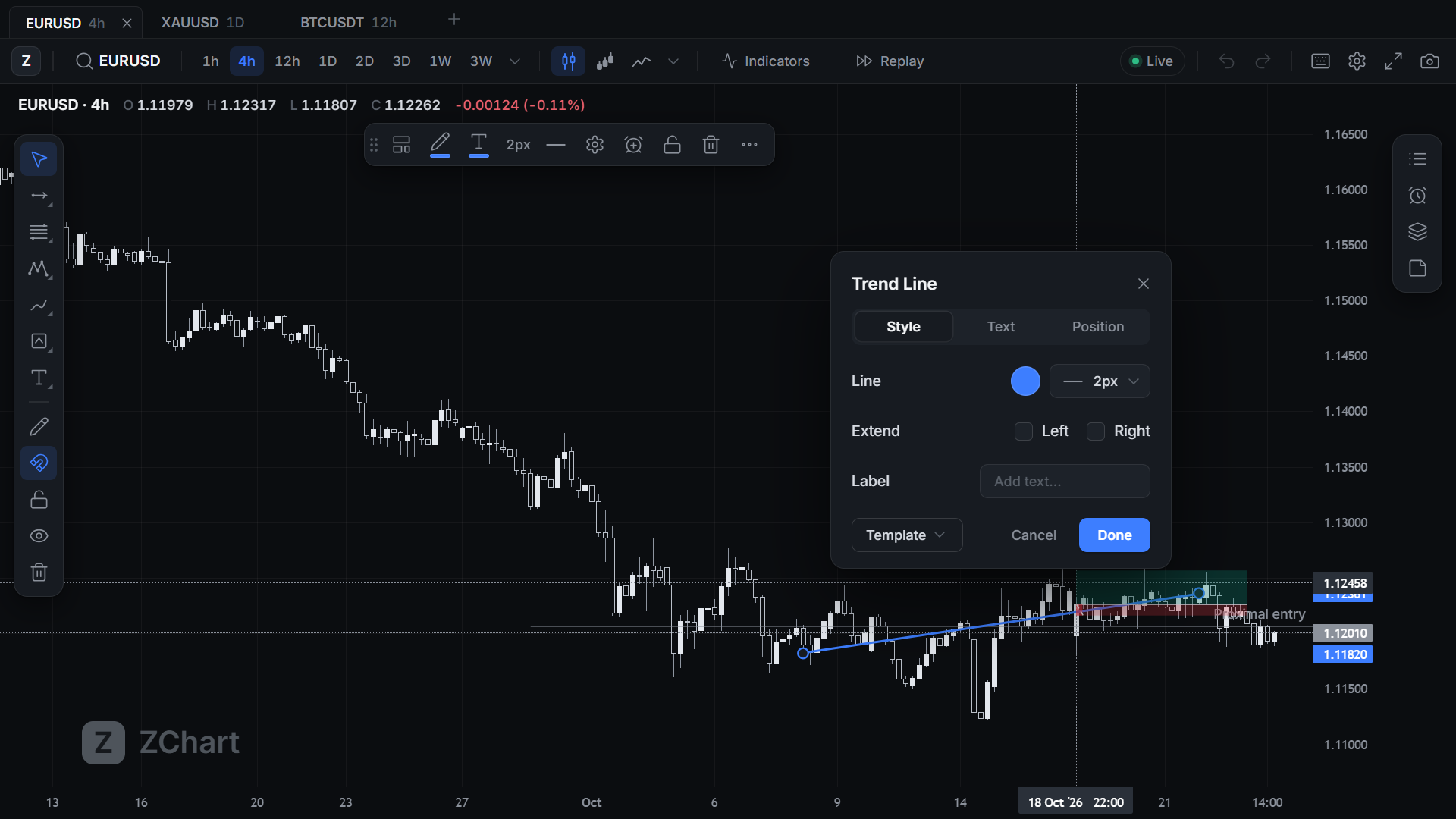
You get horizontal rays with labels, long and short positions with lot sizing, Fibonacci, callouts, rectangles, and Asia, London and New York sessions shaded on the chart. The shortcuts match the ones you use now, and templates save the styles you repeat.
05 Share
Your chart, ready for the group chat.
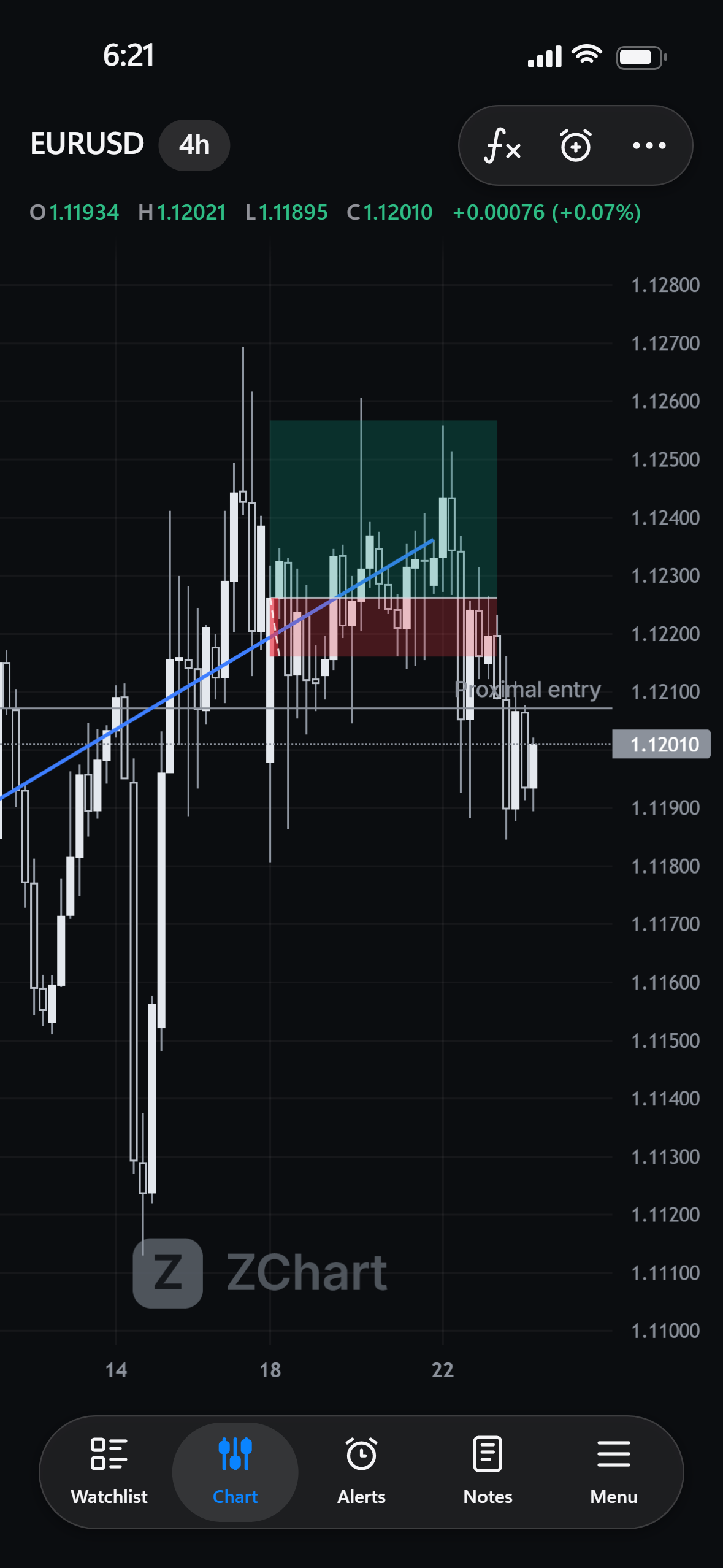
One shortcut turns the chart into a phone-sized image framed like an iPhone screenshot, ready to paste into WhatsApp or Telegram.
Ctrl Alt P
Your history is stored on your PC, so charts open from your own disk.
Forex, metals and indices come from IC Markets, and crypto from Binance.
ZChart updates itself in the background.
Download
Get ZChart.
Windows may say it protected your PC because the installer is not signed yet. Choose More info, then Run anyway.
Getting in
- 1Download and installOne click, no admin rights needed.
- 2Open ZChartIt opens on the sign-in screen.
- 3Enter your invite codeCreate your account with the code you were given.
Testing is by invitation for now. Open sign-up is coming.
Questions
Is it free?
While ZChart is in testing, yes. Paid plans come later, and bar replay and custom timeframes will be on every one of them.
Does it update itself?
Yes. ZChart checks for a new version when it opens and every six hours, downloads it in the background, and installs it when you restart.
Where is my data kept?
On your PC. Your settings, drawings and downloaded candles live in your Windows profile and stay in place through updates.
Do I need a particular broker?
No. Prices come from IC Markets and Binance, and you don't need an account with either to see them.
Will it run on a Mac?
Not yet. Windows comes first, and macOS and mobile versions are on the way.